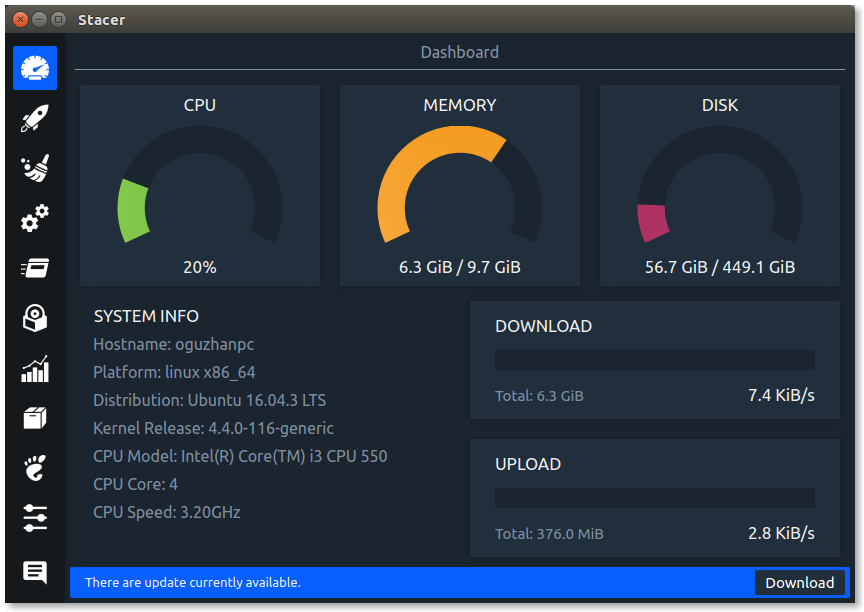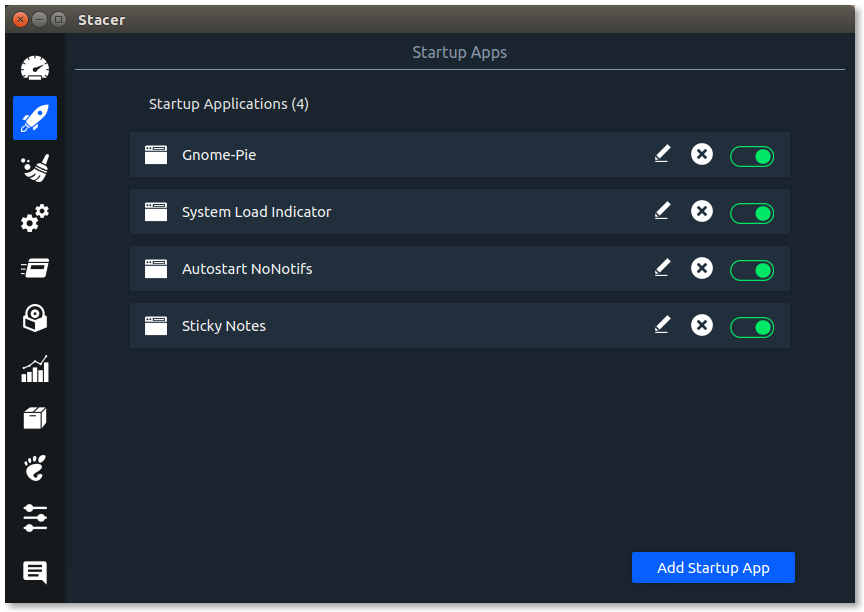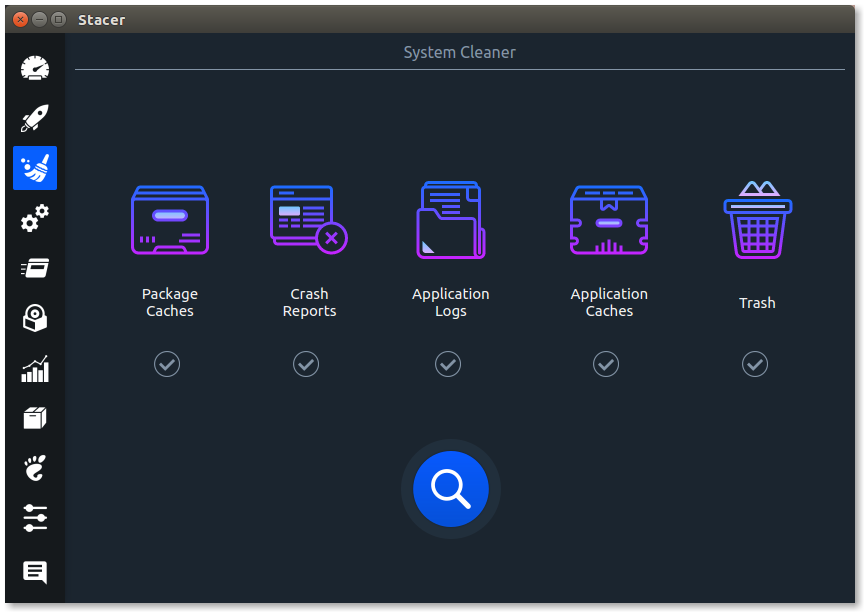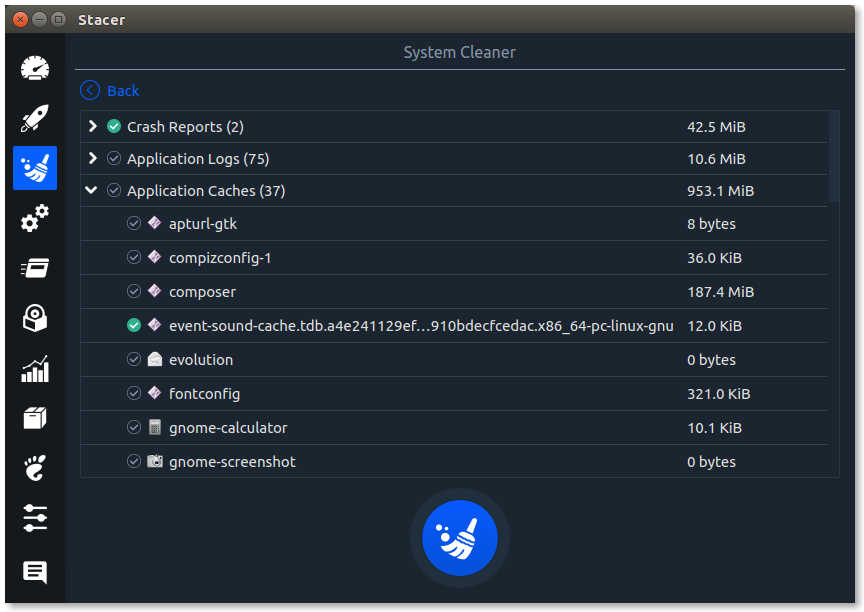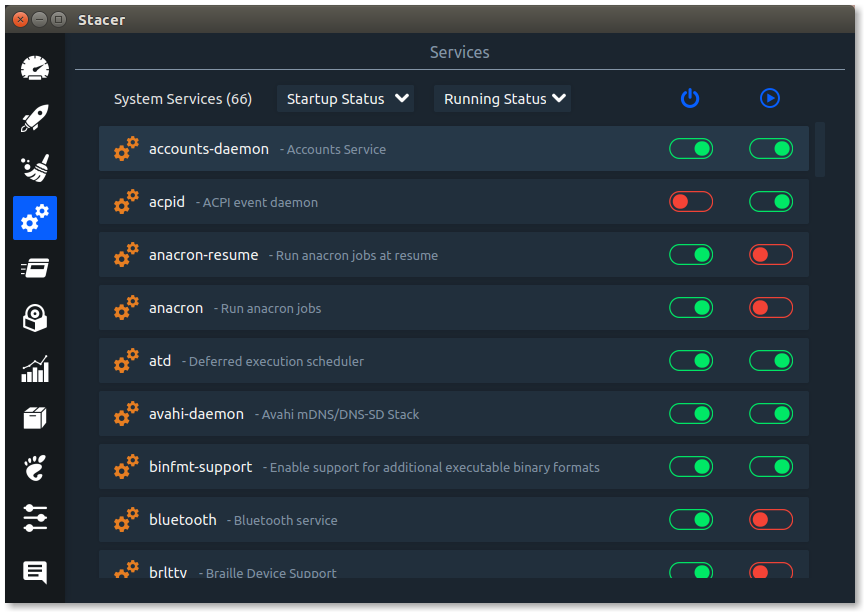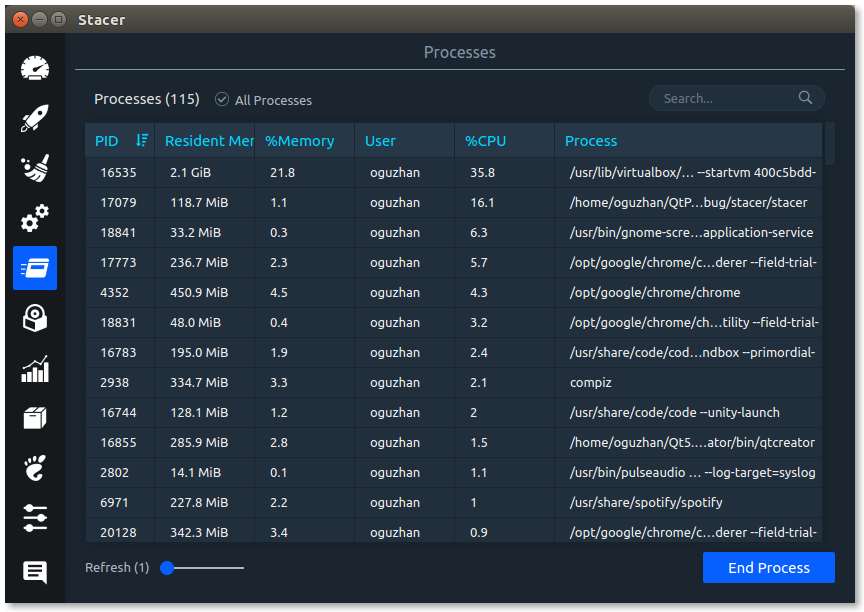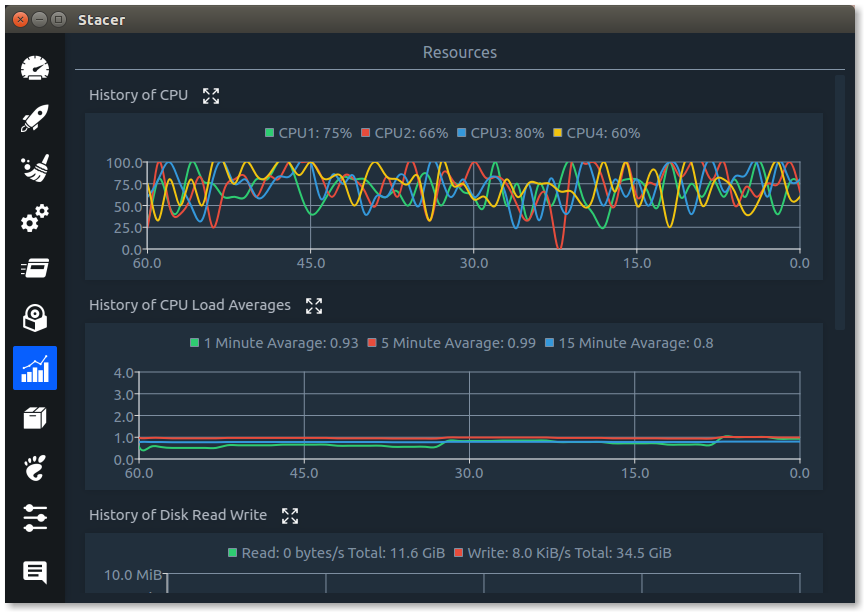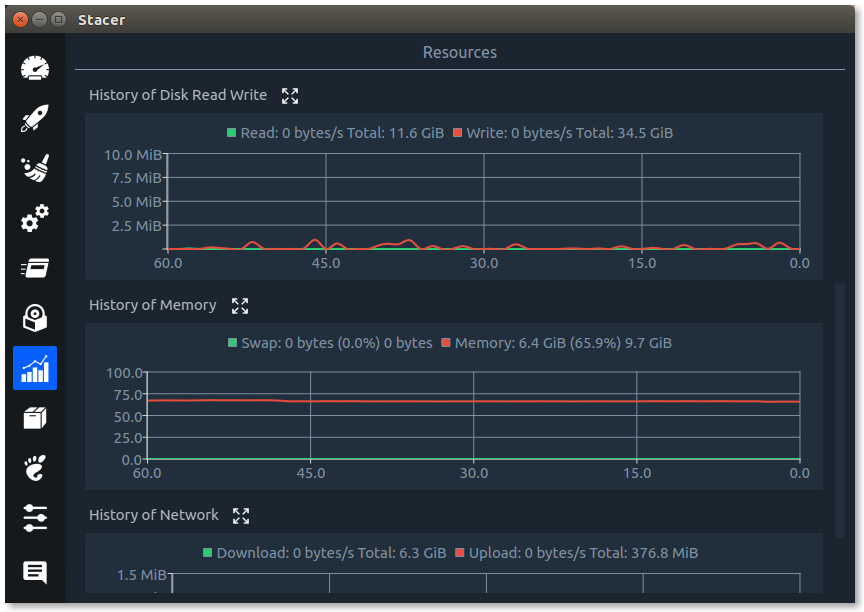
Linux System Optimizer and Monitoring







- curl, systemd
sudo add-apt-repository ppa:oguzhaninan/stacer -ysudo apt-get updatesudo apt-get install stacer -y
- Download
stacer_1.1.0_amd64.debfrom the Stacer releases page. - Run
sudo dpkg -i stacer*.debon the downloaded package. - Launch Stacer using the installed
stacercommand.
- Download
stacer_1.1.0_amd64.rpmfrom the Stacer releases page. - Run
sudo rpm --install stacer*.rpm --nodeps --forceon the downloaded package. - Launch Stacer using the installed
stacercommand.
- mkdir build && cd build
- cmake -DCMAKE_BUILD_TYPE=Release -DCMAKE_PREFIX_PATH=/qt/path/bin ..
- make -j $(nproc)
- output/bin/stacer