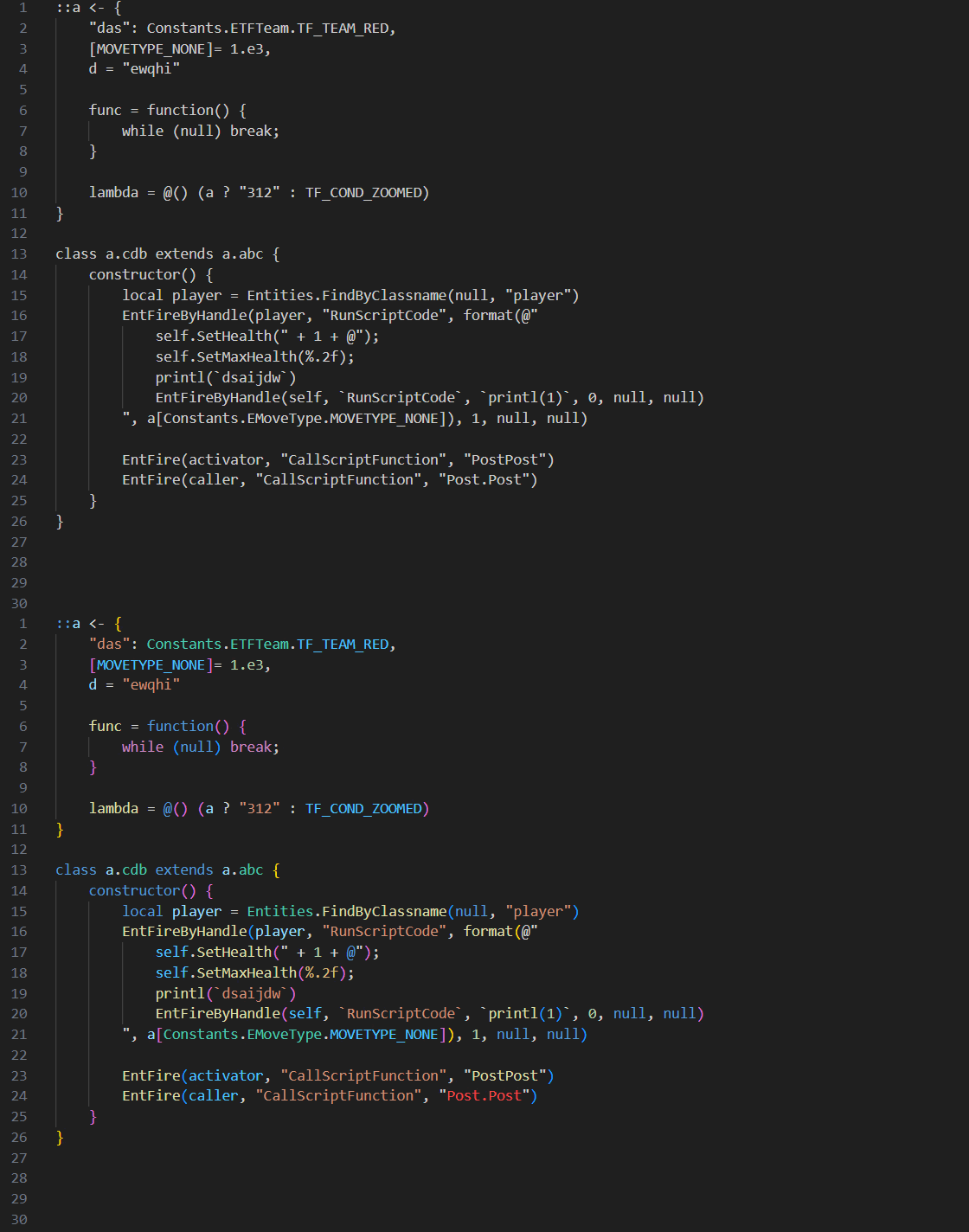
Mostly complete syntax highlighting, the name colours for constants, functions, classes will not be always consistent (between the declaration and actual usage) since this extension doesn't use semantic highlighting.
Includes highlighting for built-in classes, constants, variables etc.
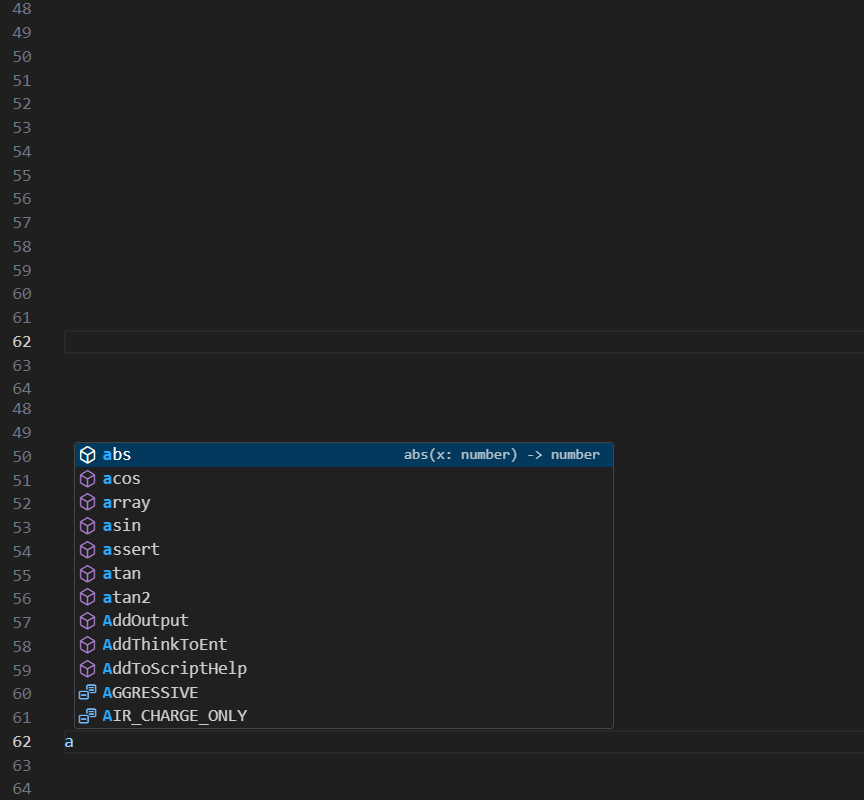
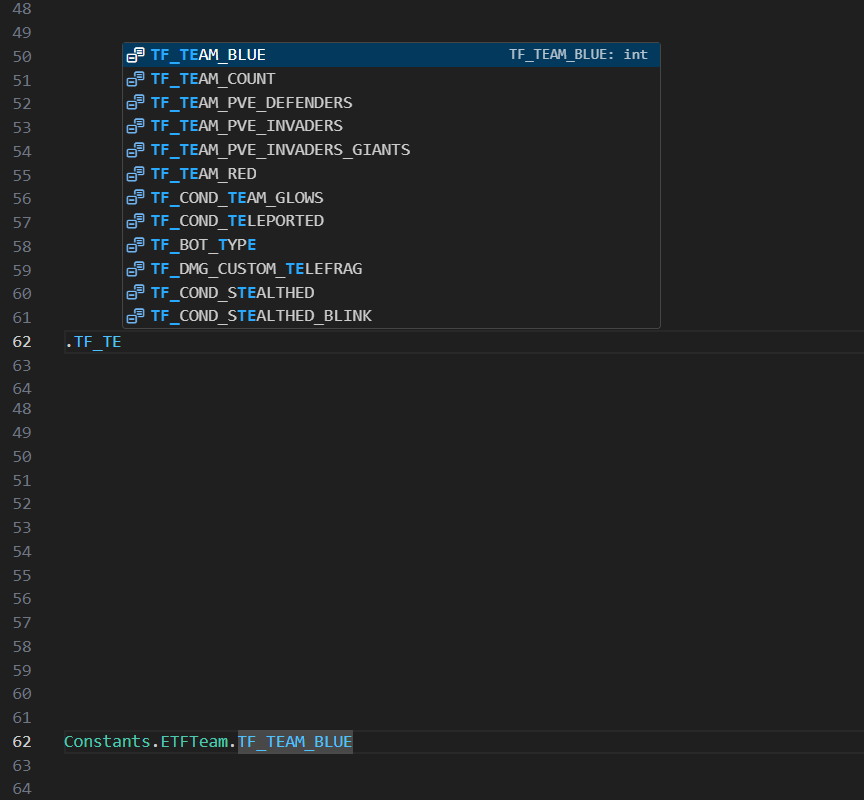
If you try to complete a constant / global instance method like SetPropInt with a dot to the left, it'll autocomplete the full path required to receive the completion item.
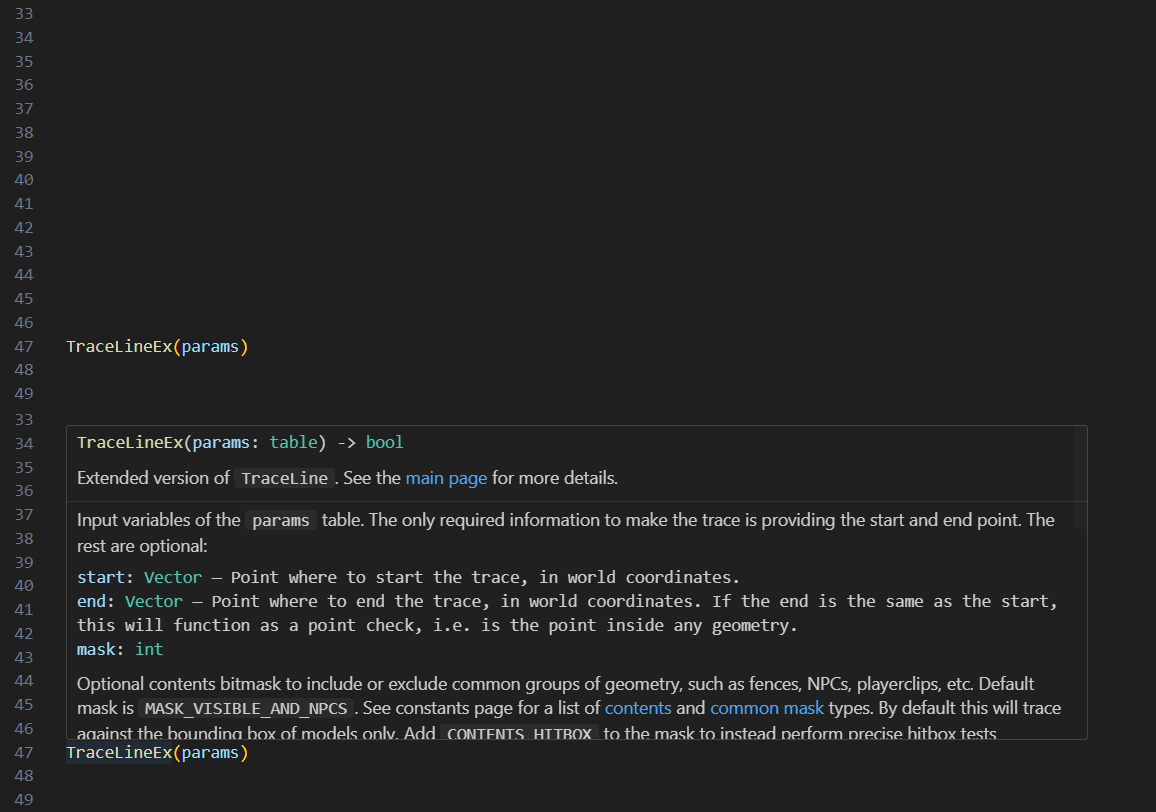
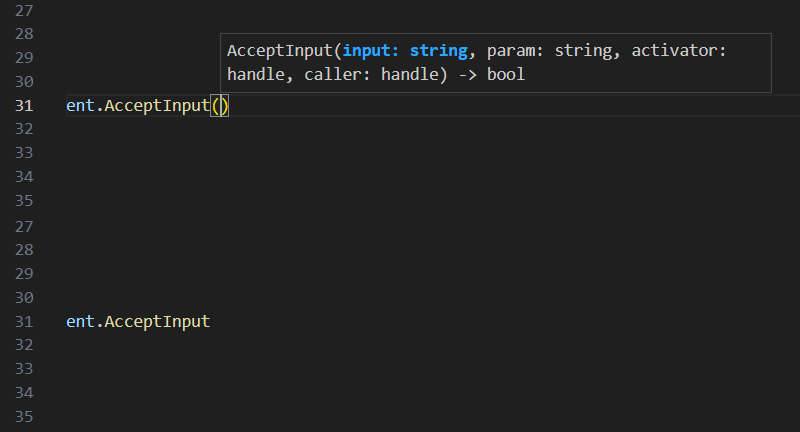
For this to properly work it requires you to always put commas as separations between parameters. Shadowing the name of a built-in method or function can lead to the program finding the built-in method instead of your own.
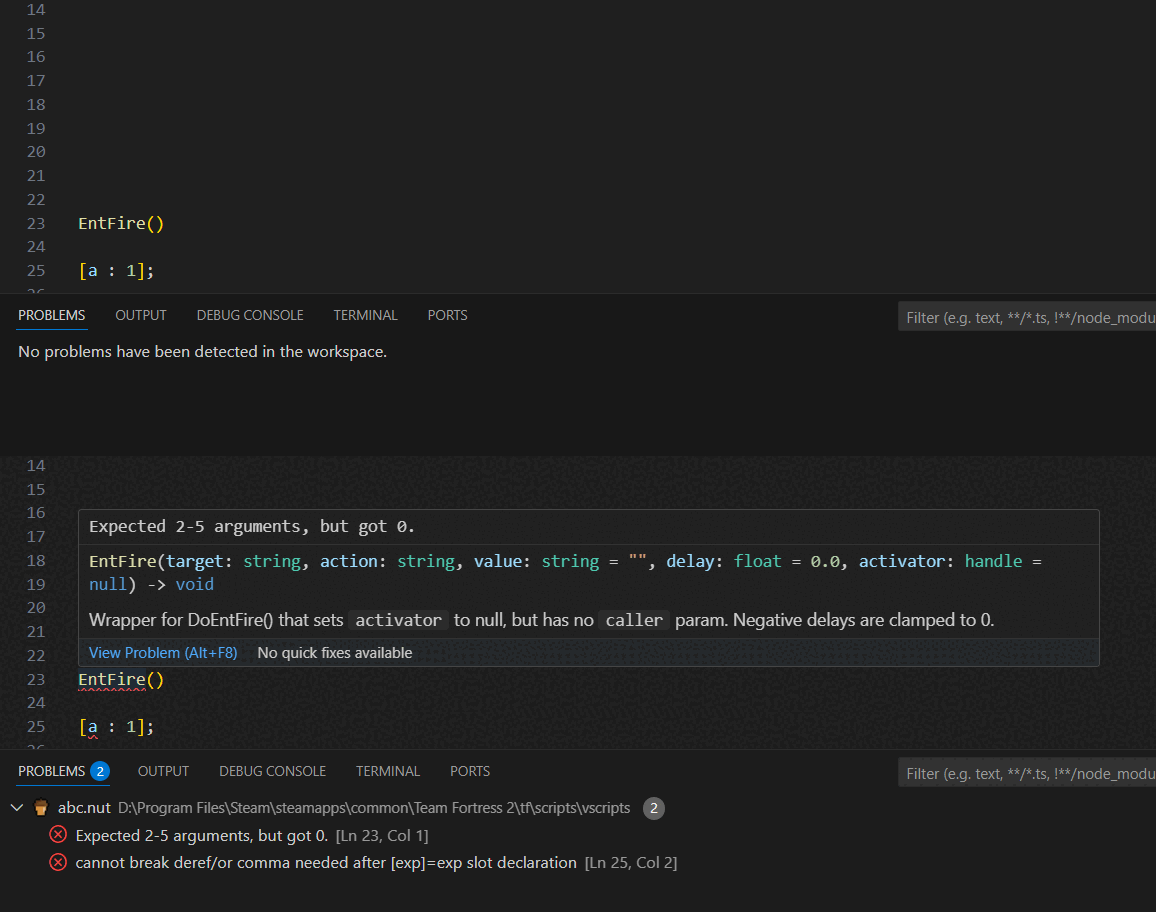
Provides basic diagnostics in 2 ways:
- Compiles your script and takes the squirrel compiler error message
- Checks for the number of provided arguments to the global functions / methods (See the warning above in the signature help providing, but in this case it's even more crucial to not break these requirements as the extension will find errors which are not even there)
- (S)quirrel for some parts of the syntax and initial inspiration https://github.com/mepsoid/vscode-s-quirrel
- Valve Development Community for TF2 Vscript Documentation https://developer.valvesoftware.com/wiki/VScript
- JSDoc highlighting https://github.com/galloween/jsdoc-highlight-code
- JavaScript language configuration for Visual Studio Code https://github.com/microsoft/vscode/blob/main/extensions/javascript/javascript-language-configuration.json
- JSDoc completion items https://github.com/HookyQR/VSCodeJSDocTagComplete