Tweeter is a full-stack social media application heavily inspired by Twitter.
Login with below credentials or register a new account:
Email: test@gmail.com
Password: test
Login:


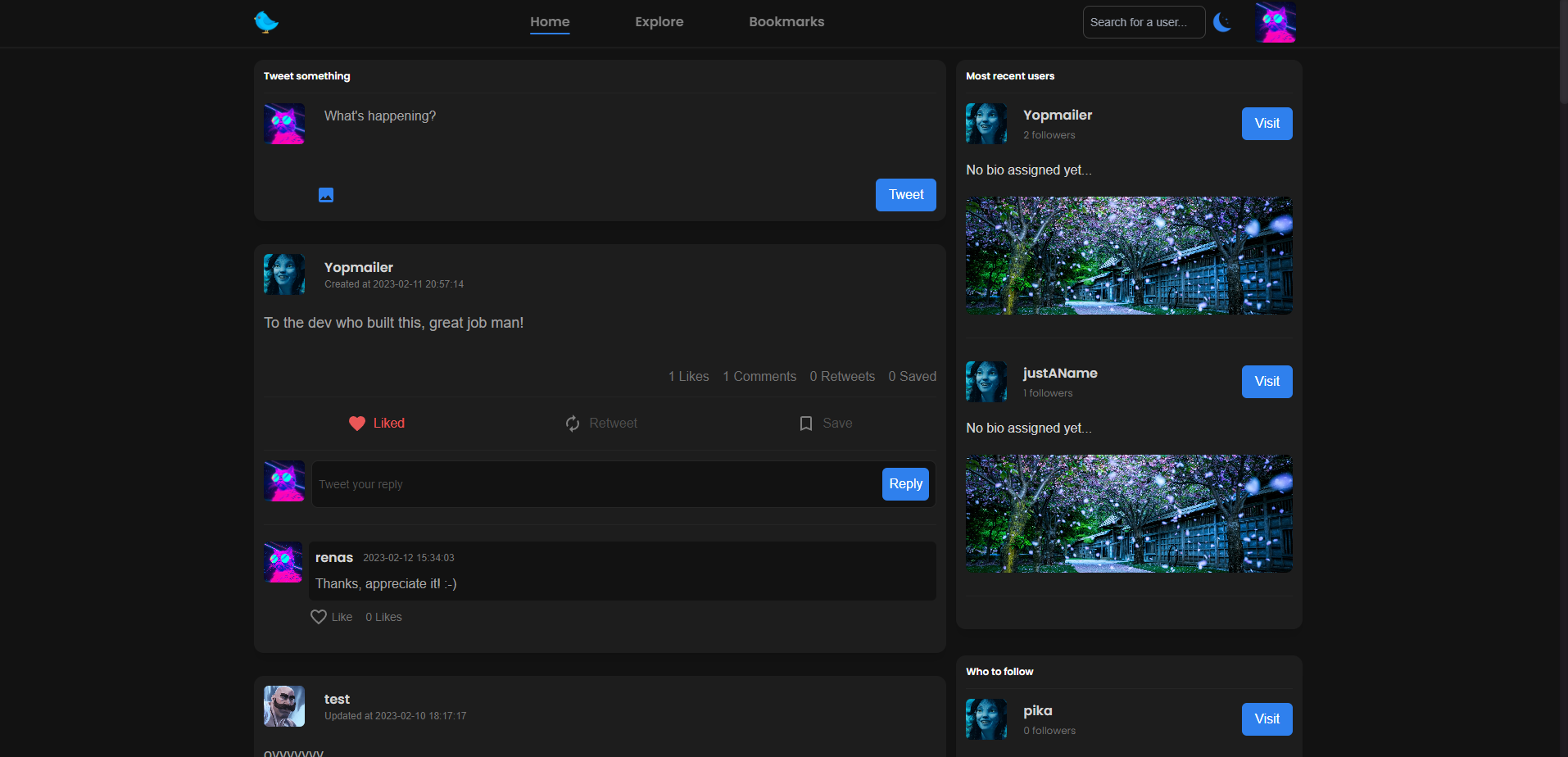
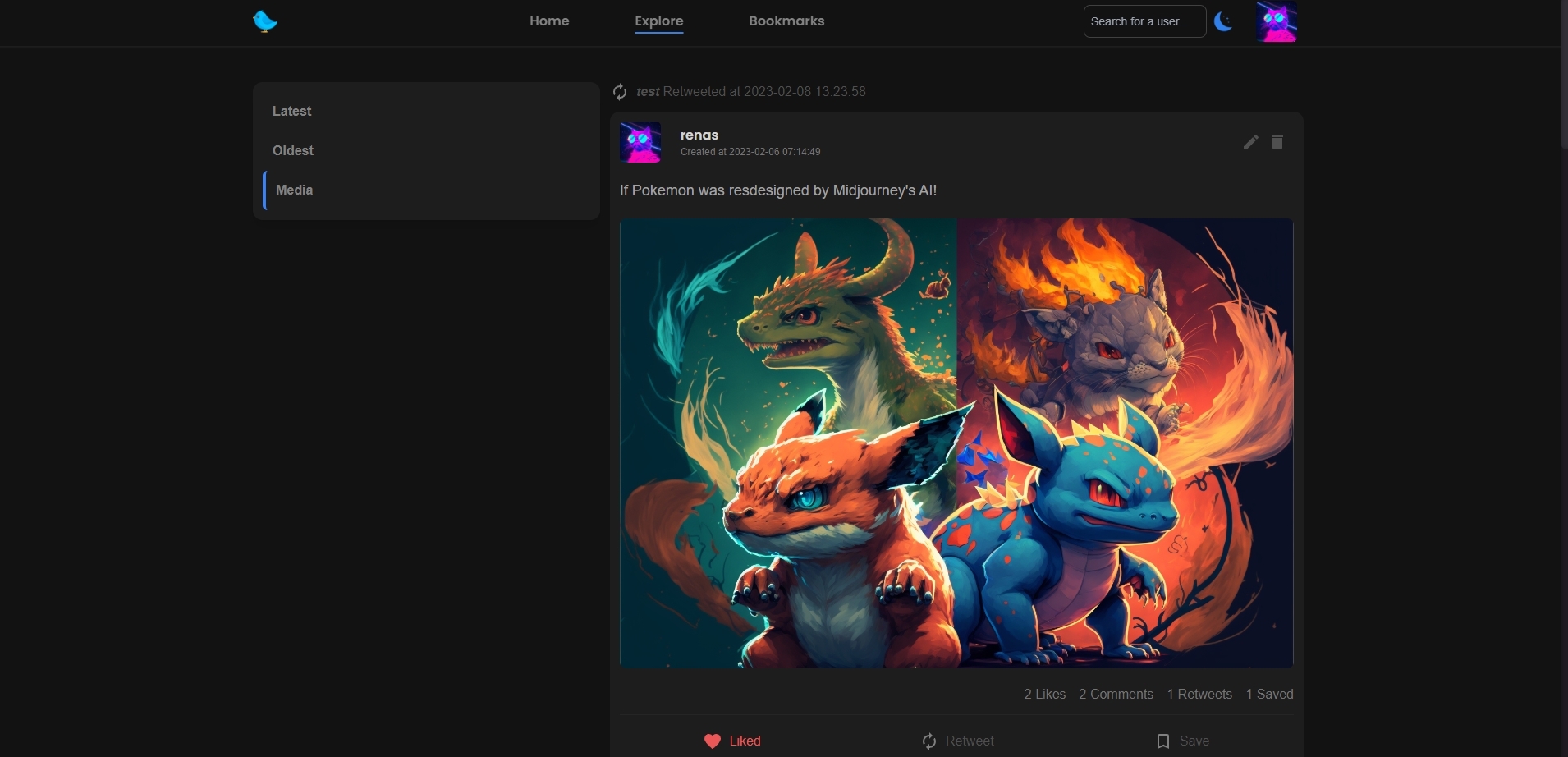
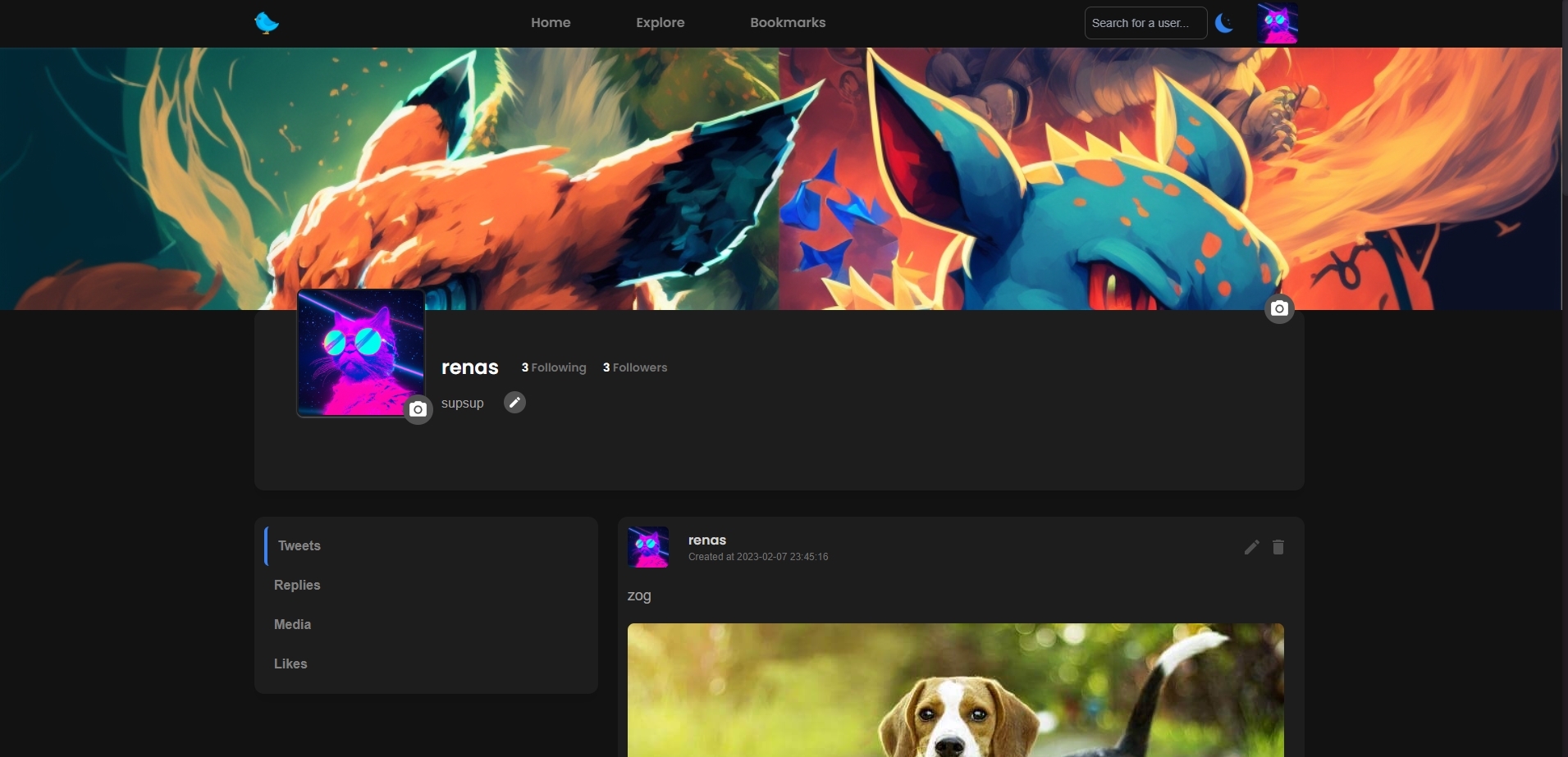

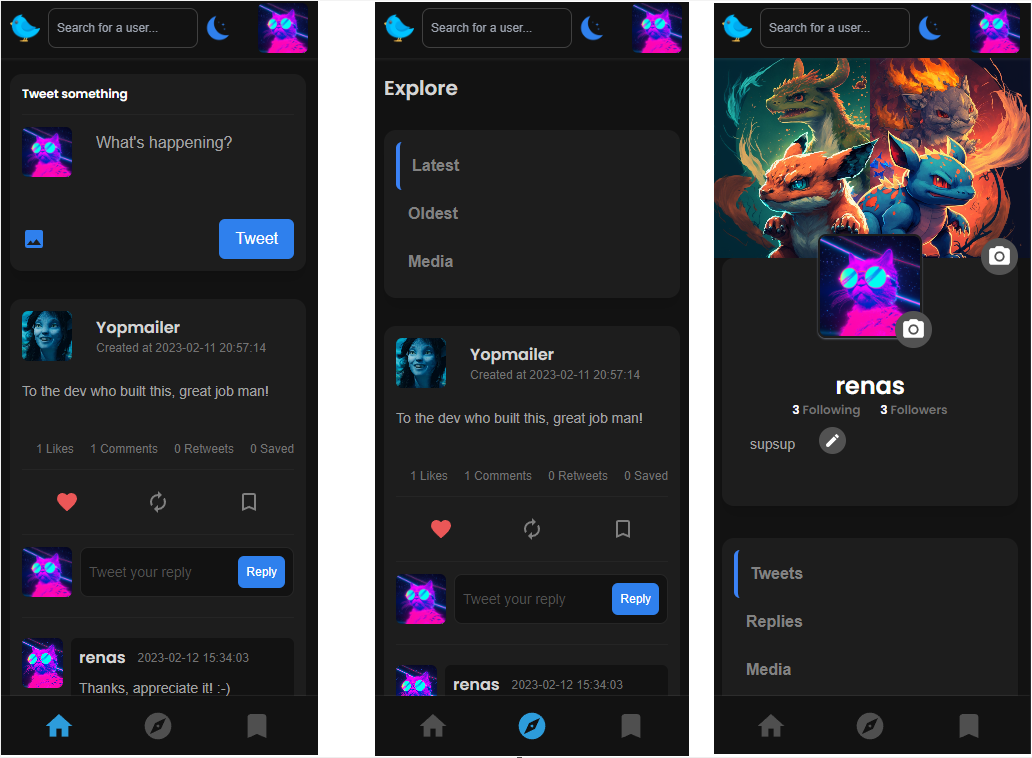
I learned how to implement user authentication with JWT and improve my skills in creating reusable components in React, including custom hooks. I also gained a deeper understanding of the full-stack development process, from designing and setting up the database with Prisma to building a RESTful API with Node.js and Express.js and creating a user-friendly interface with React and Tailwind.
I improved my skills in front-end development, including building responsive layouts and adding various styles. I also gained experience in integrating various technologies to ensure they work together seamlessly.
TypeScript helped me improve the overall reliability and maintainability of my code. I also got to practice making the web application more user-friendly by adding various filters and a dark/light theme, making the app more customizable to the user's preferences.
In conclusion, developing this full-stack tweeter application allowed me to gain a wide range of skills and experience in various technologies, as well as a deeper understanding of how web applications are built from end-to-end.
- Fully responsive for all screen sizes
- User registration & login with JWT
- Submit/edit/delete/like tweet
- Comment
- Like comments
- Retweet
- Bookmark
- Edit profile
- View other user's profiles
- Search for users
- Explore tweets
- View bookmarked tweets
- Follow/unfollow users
- Dark/Light Theme
- Filter tweets, replies, media, likes, latest, oldest
To clone and run this application, you'll need Git and Node.js (which comes with npm) installed on your computer. From your command line:
bash
# Clone this repository
$ git clone https://github.com/meganide/Tweeter.git

# Install dependencies
$ cd client
$ npm install
$ cd ..
$ cd server
$ npm install

# Copy the code in .env.example and paste in .env and fill in the missing credentials

# Run the app
$ node dist/server.js
- Website My portfolio
- GitHub @Meganide