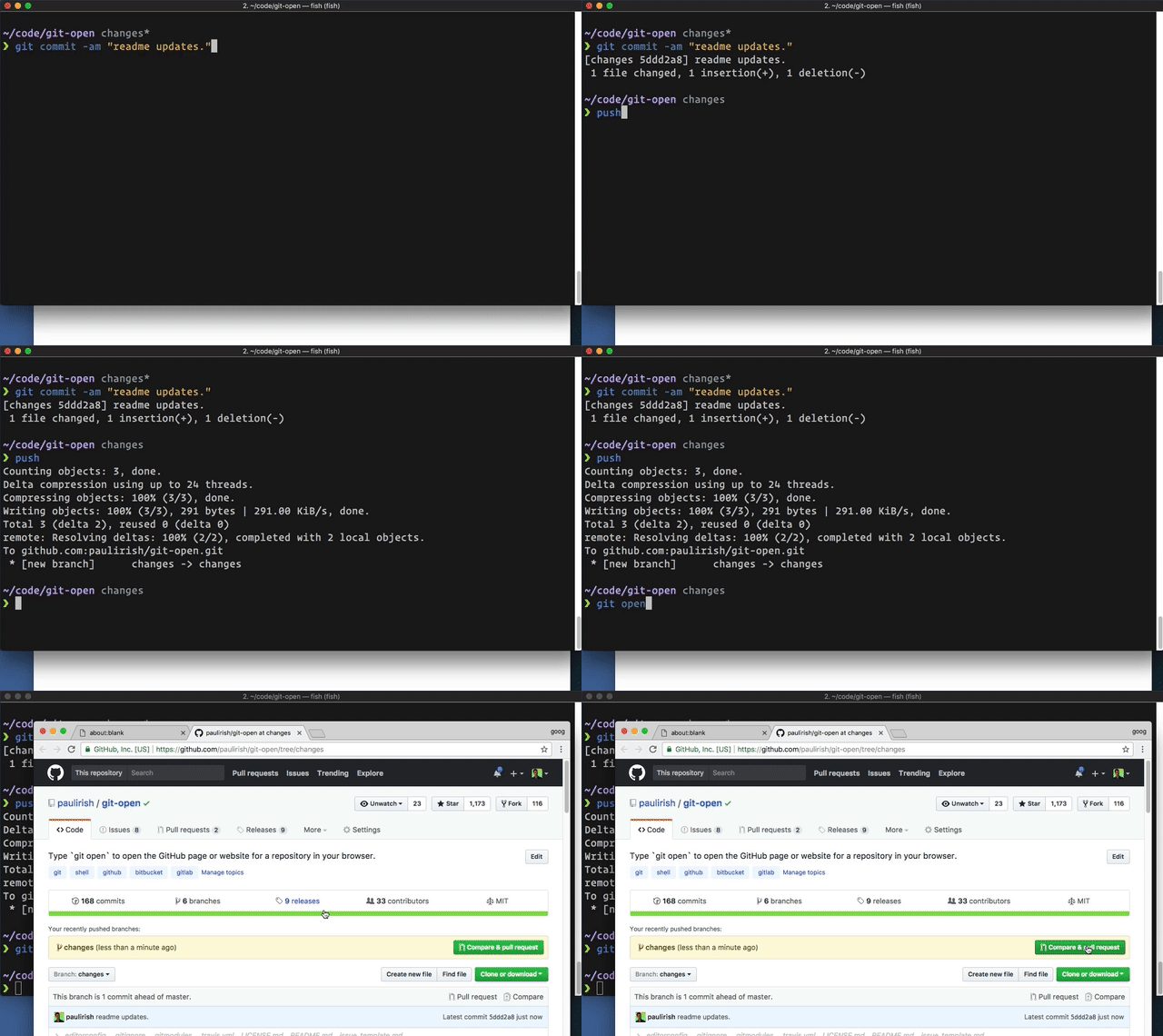
Type git open to open the repo website (GitHub, GitLab, Bitbucket) in your browser.
$ git open` [--issue] [--ci] [remote-name] [branch-name]# open git source page
$ git open# open remote page
$ git open someremote# open remote branch page
$ git open someremote somebranch# open issue page
$ git open -i# open ci/cd page
$ git open -cThe preferred way of installation is to simply add the git-open script
somewhere into your path (e.g. add the directory to your PATH environment
or copy git-open into an existing included path like /usr/local/bin).
$ rm -rf $ZSH_CUSTOM/plugins/git-open && git clone git@github.com:luojinghui/git-open.git $ZSH_CUSTOM/plugins/git-opengit clone git@github.com:luojinghui/git-open.git $ZSH_CUSTOM/plugins/git-open- Add
git-openplugin :# edit `~/.zshrc` file: plugins=(... git-open) - Reload source:
source .zshrc
git-open can automatically guess the corresponding repository page for remotes on the following git hosting services:
- github.com
- gitlab.com
- GitLab CE/EE (self hosted GitLab, see
CONFIGURATION)
To configure git-open you may need to set some git config options.
You can use --global to set across all repos, instead of just the current repo.
$ git config [--global] option valueTo configure GitLab support (or other unique hosting situations) you may need to set some options.
open.[gitdomain].domain
The (web) domain to open based on the provided git repo domain.
open.[gitdomain].protocol
The (web) protocol to open based on the provided git repo domain. Defaults to https.
$ git config [--global] open.[gitdomain].domain [value]
$ git config [--global] open.[gitdomain].protocol [value]
Example
- Your git remote is at
ssh://git@git.internal.biz:7000/XXX/YYY.git - Your hosted gitlab is
http://repo.intranet/subpath/XXX/YYY
$ git config [--global] "open.https://git.internal.biz.domain" "repo.intranet/subpath"
$ git config [--global] "open.https://git.internal.biz.protocol" "http"Super simple open method:
# config oh-my-zsh alias
$ alias go="git open"
then go anywhere...