Archinstall
- NOTE: You might need to temporarily disable secure boot, otherwise EFI partition is not done correctly.
loadkeys fiiwctl --passphrase <passphrase> station <interface> connect "<SSID>"archinstall- After install, setup network
nmcli device wifi connect "<SSID>" password "<password>"
Install instructions:
- Laptop:
bash <(curl -sL https://eniemela.fi/api-v1/bsl) - Server:
bash <(curl -sL https://eniemela.fi/api-v1/bsl?server=1)
Usage instructions:
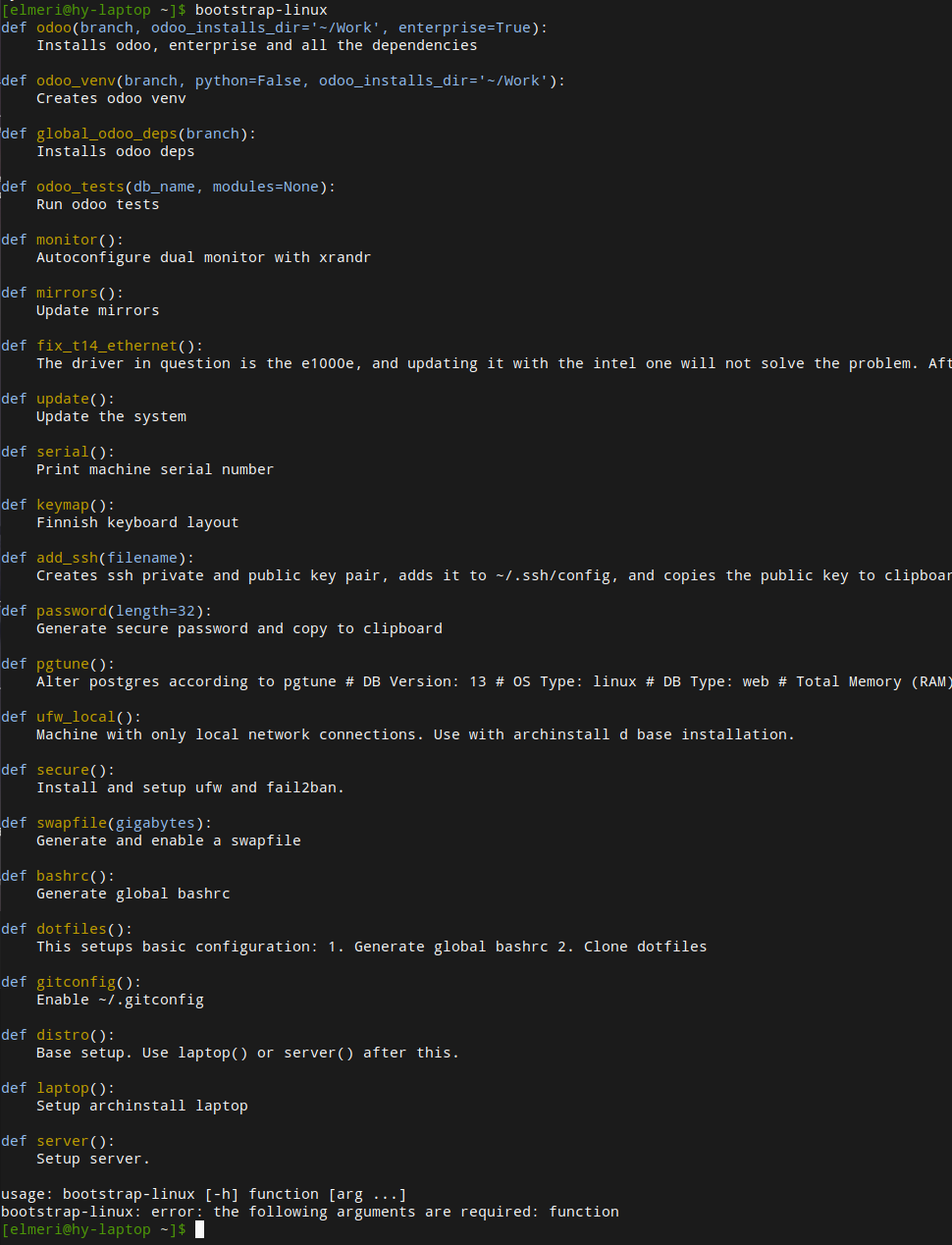
bootstrap-linux<-- this will start the CLI-interface and print available functions
- Xorg disable screen off:
xset -dpmsfor disabling energy star features andxset s offfor disable screensaver- Run these in
~/.xprofileor/etc/xprofile?
- Xorg disable right mouse up click (ButtonRelease on 3).
- Maybe this is a feature that I should learn?
- https://www.reddit.com/r/linuxquestions/comments/dbf1ht/disable_mouse_button_release_x11/
- Awesome disable notifications:
- Do a widget that toggles naughty
- https://awesomewm.org/doc/api/libraries/naughty.html
- Application that better handles screen shutdown
- Firefox Google Meets share screen select sreen
- Copyq force center of screen and size