Project tech
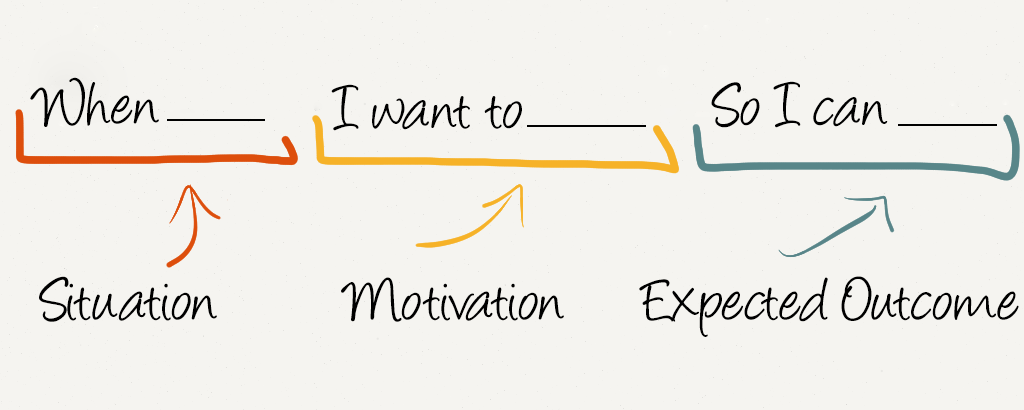 https://jtbd.info/replacing-the-user-story-with-the-job-story-af7cdee10c27
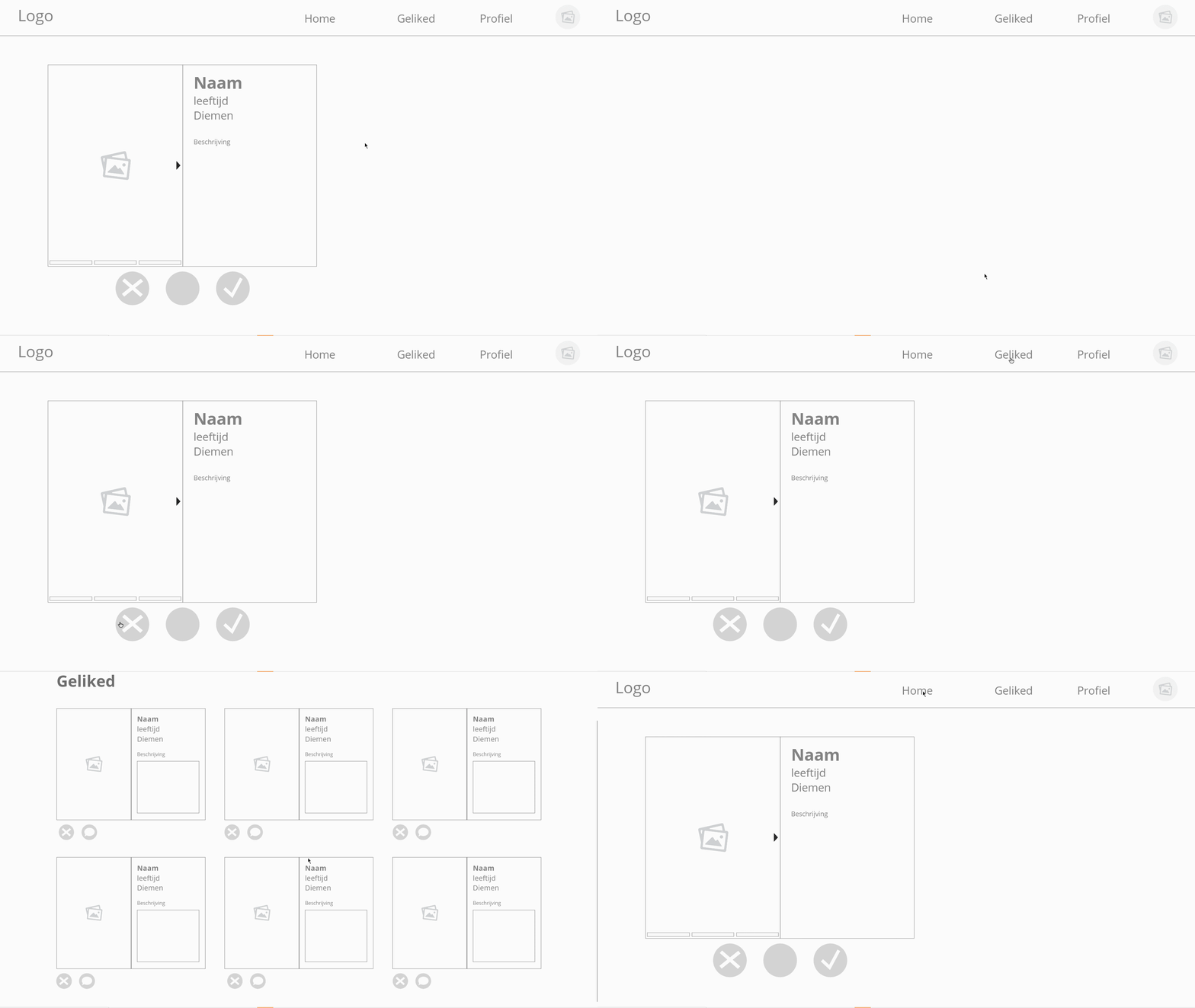
When I am bored during the Corona period and am in the need of social contact with like minded people, I want to be able to quickly find these like minded people so I can start a conversation with them and talk about our shared interests.

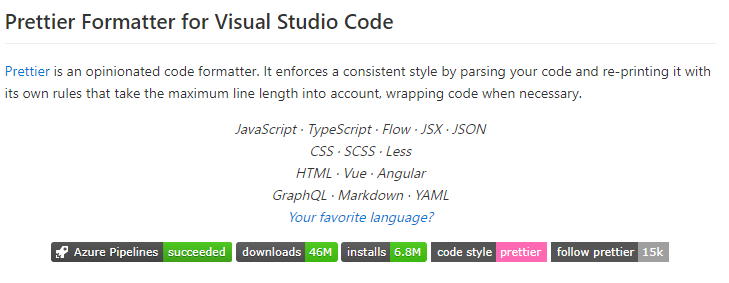
I have always been using brackets as a code editor, but i recently started using Visual Studio Code, since it works really well with a database. It has an build in terminal and it has a lot of downloadable plugins to make the workflow more pleasant. For example, I downloaded the plugin prettier to make the coding experience a lot more flawless. Prettier will fix most of the the little mistakes I make while coding. For example, when i forget to close my javascipt line normally the code editor would give an error but prettier will fix the little issue automatically when I save the document.
Also visual studio code has a terminal integrated in the software, so you don't have to put an external terminal besides the code editor, this also makes the workflow more smooth.
Narrow down your Job Story in specific small functionalities and make a list of requirements your feature should have. You can then apply the MoSCoW method on your list to see which functionalities are must-haves and which ones are enhancements.