

Live Demo: eatitnext.com - NO LONGER LIVE :/ too much $$$ for hosting
Introduction to software engineering project using Django. Our project is aimed towards developing an accessible website where users can generate a meal plan for the day based on their dietary preference.
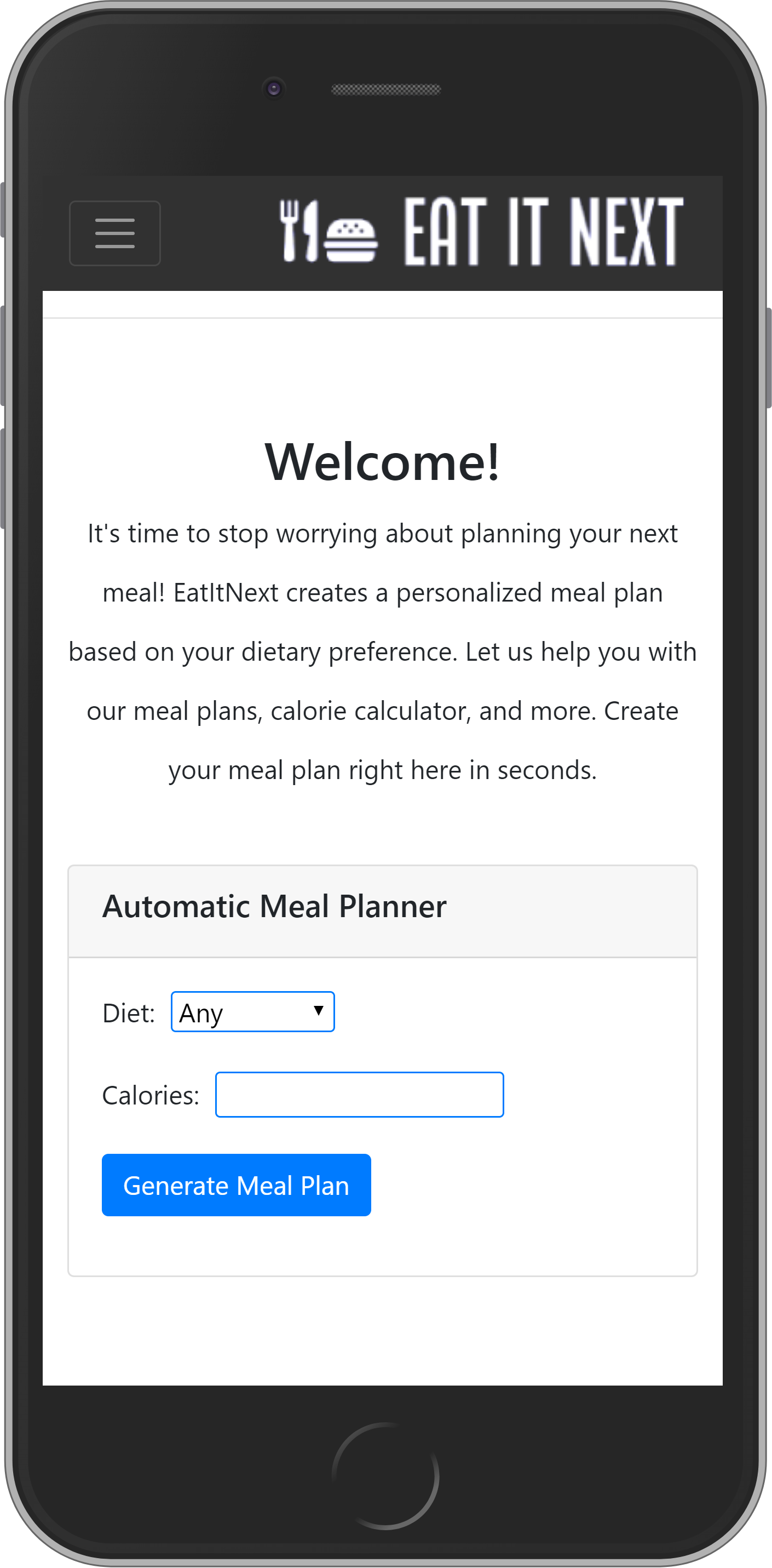
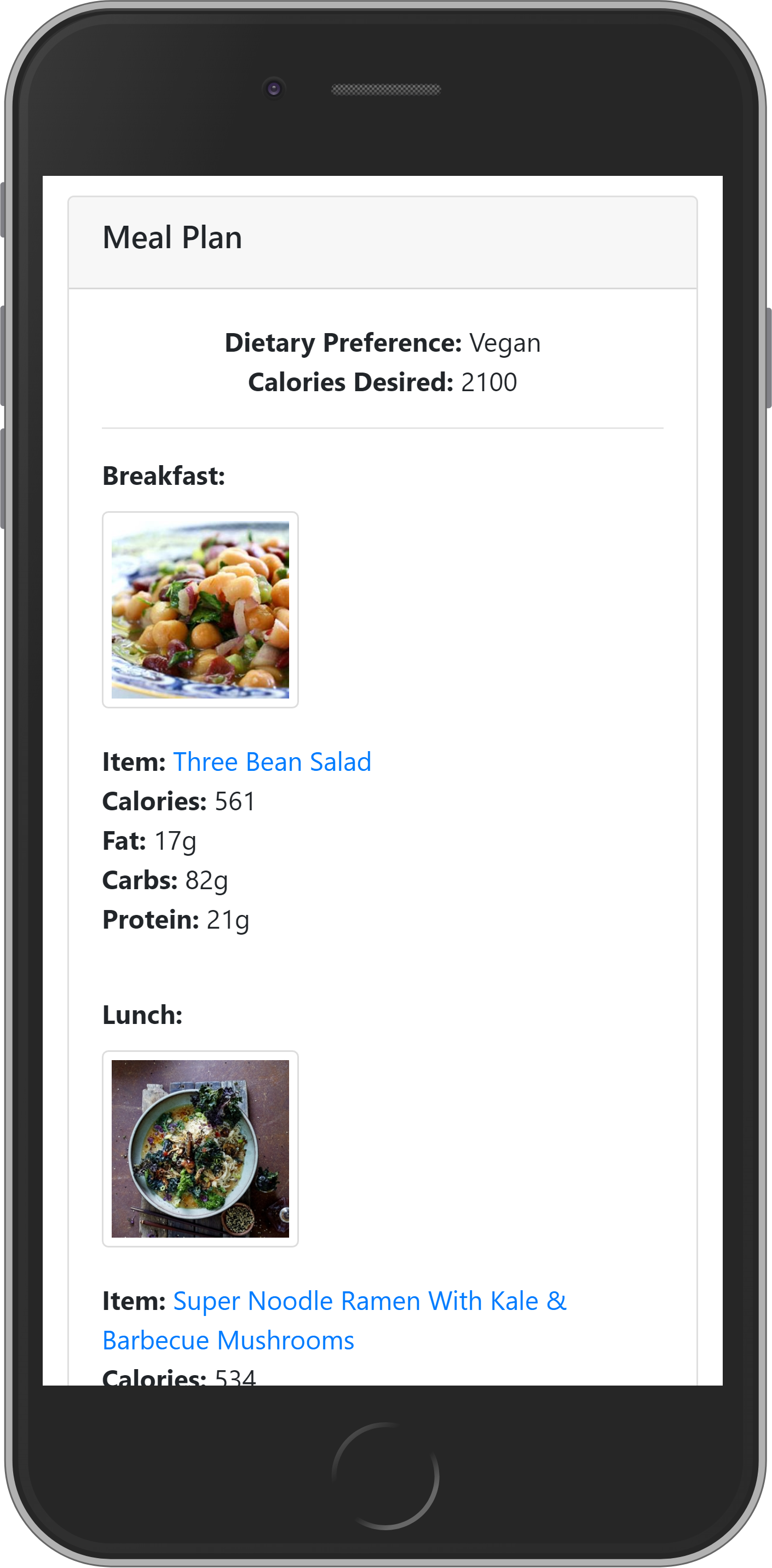
Install necessary python frameworks, libraries, and modules. Run the following command in your preferred terminal where the project was cloned or where the eatitnext.zip file was extracted to.
pip install -r requirements.txt
Make sure this is ran in the same directory where the requirements.txt file is located.
In the terminal, cd (chdir) into the 'src' folder. Make sure this folder contains the manage.py file. Run the following command.
python manage.py runserver
For the best viewing experience, test using either Google Chrome or Mozilla Firefox. Enter the following into the address bar.
http://localhost:8000/
- Bryan Rojas (Team Lead)
- Steven Johnson
- Shivam Gupta
- Priyanshi Vaishnav