Windows 10. Balloon hints are not always displayed #16

Description

If you can't see Balloon Notifications as it is shown on the picture below they are possibly disabled in group policies
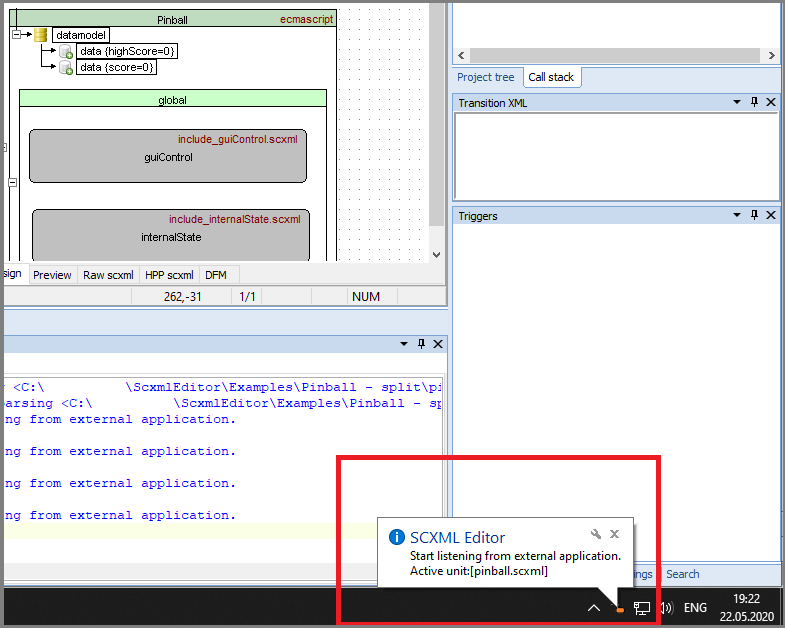
You can enable balloon notifications by the next steps:
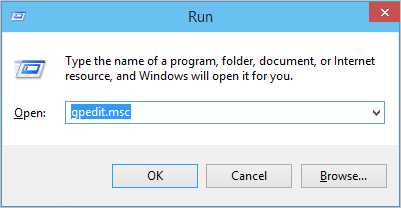
1. Press 'Win+R' and type 'gpedit.msc'
2. Navigate to the following area within the Group Policy Editor in Windows 10:
User Configuration\Administrative Templates\Start Menu and Taskbar
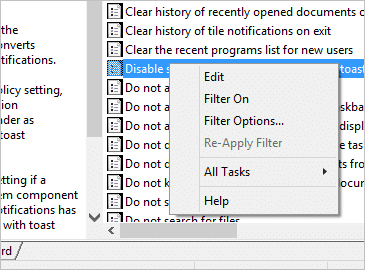
3. Locate the entry for “Disable showing balloon notifications as toasts.”
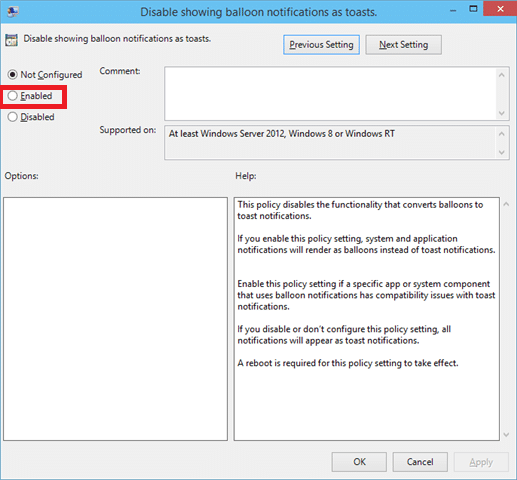
4. Click on “Enabled,” then “Apply,” and finally “OK.”